$17.00
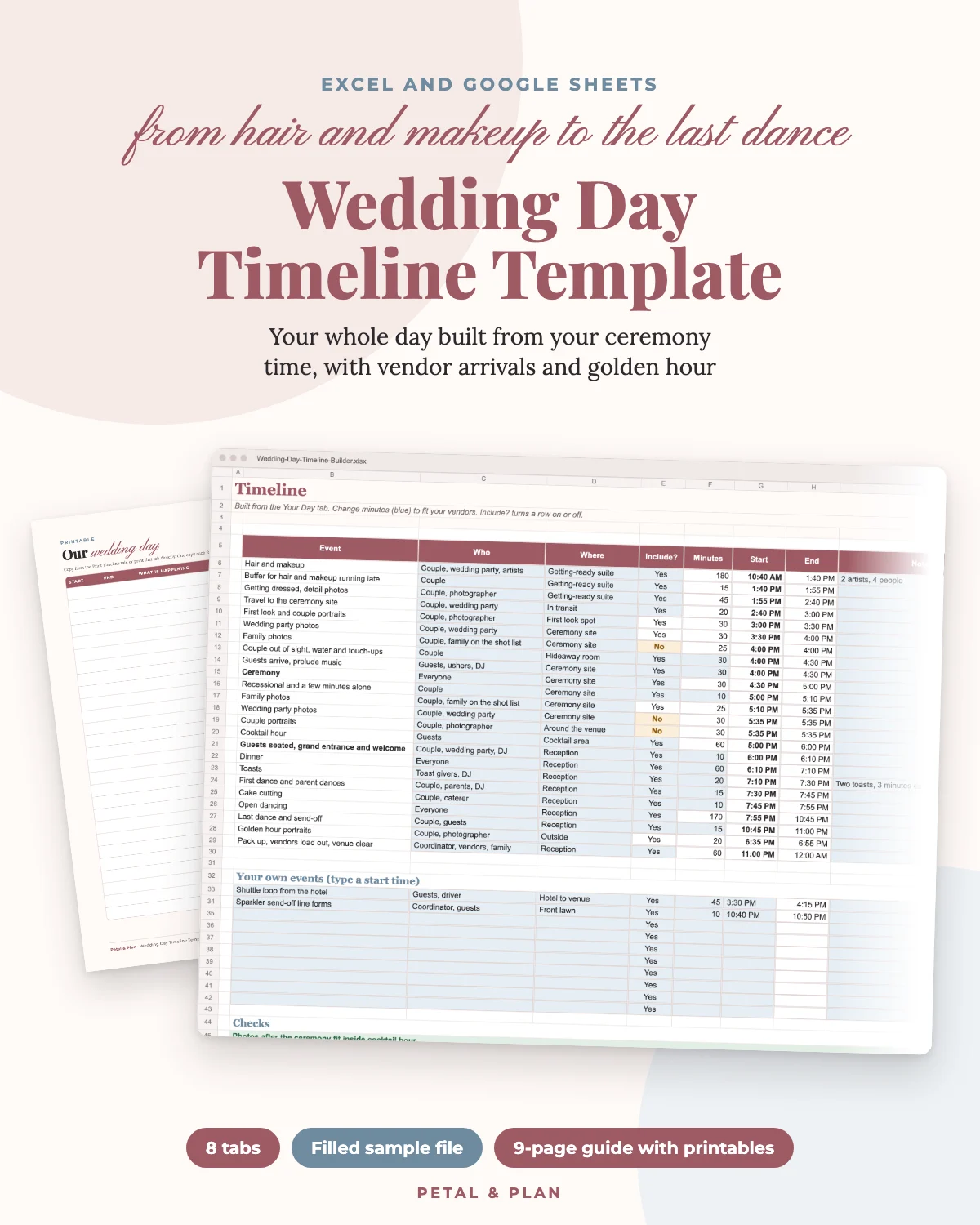
Wedding Day Timeline Template: Your Whole Day Built From Your Ceremony Time
Hair and makeup, photos, vendor arrivals and golden hour worked out for you, without timing every block by hand
- Instant download
Secure checkout by Dodo Payments. Instant PDF download after purchase.
A wedding day timeline is mostly arithmetic, and it is the arithmetic that goes wrong. Hair and makeup for four people takes longer than anyone expects, family photos run past cocktail hour, and golden hour lands in the middle of the toasts. This builder does the math for you.
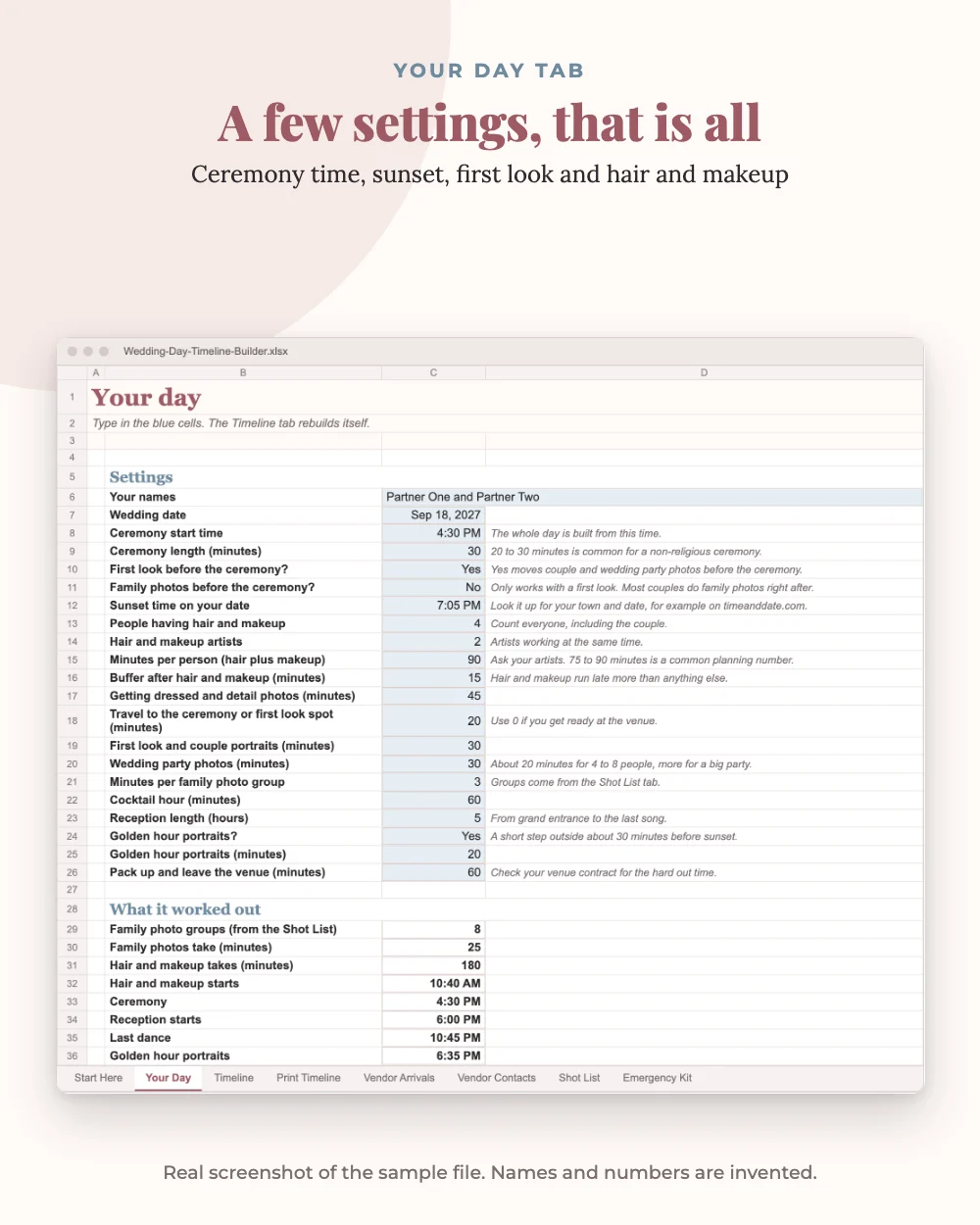
On the Your Day tab, type your ceremony start time, the sunset time for your date, whether you are doing a first look, and how many people are getting hair and makeup with how many artists. Every other setting starts from a common planning number you can change.
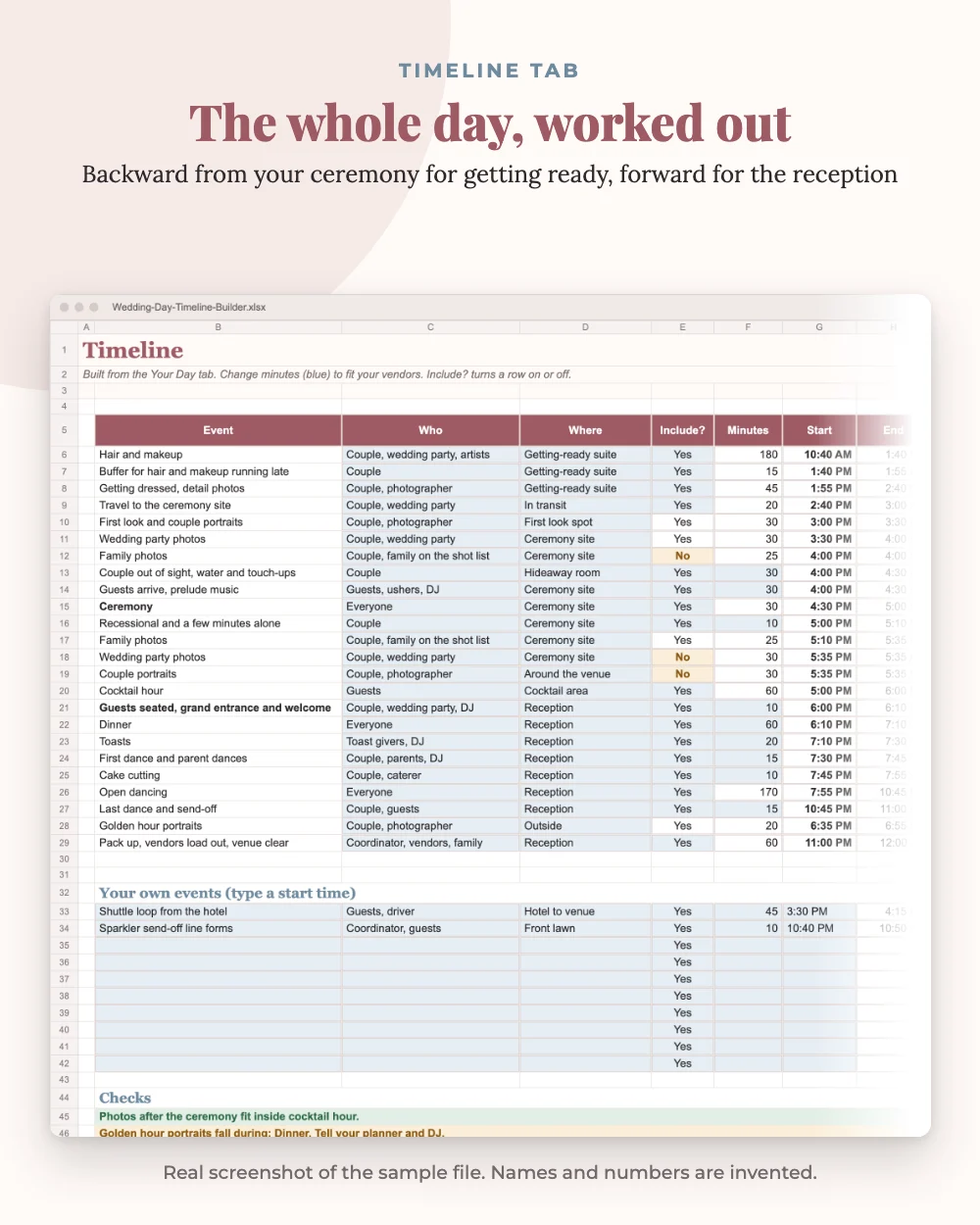
The Timeline tab then builds the day. Everything before the ceremony is worked out backward from it: hair and makeup, a buffer, getting dressed, travel, first look and wedding party photos, and 30 minutes out of sight. Everything after is worked out forward: family photos, cocktail hour, the grand entrance, dinner, toasts, dances, cake, open dancing and the last dance. Change one number and every start and end time moves with it. Four checks tell you if photos run past cocktail hour, which reception moment golden hour falls in, if hair and makeup would start before 6 AM, and how much open dancing you have left.
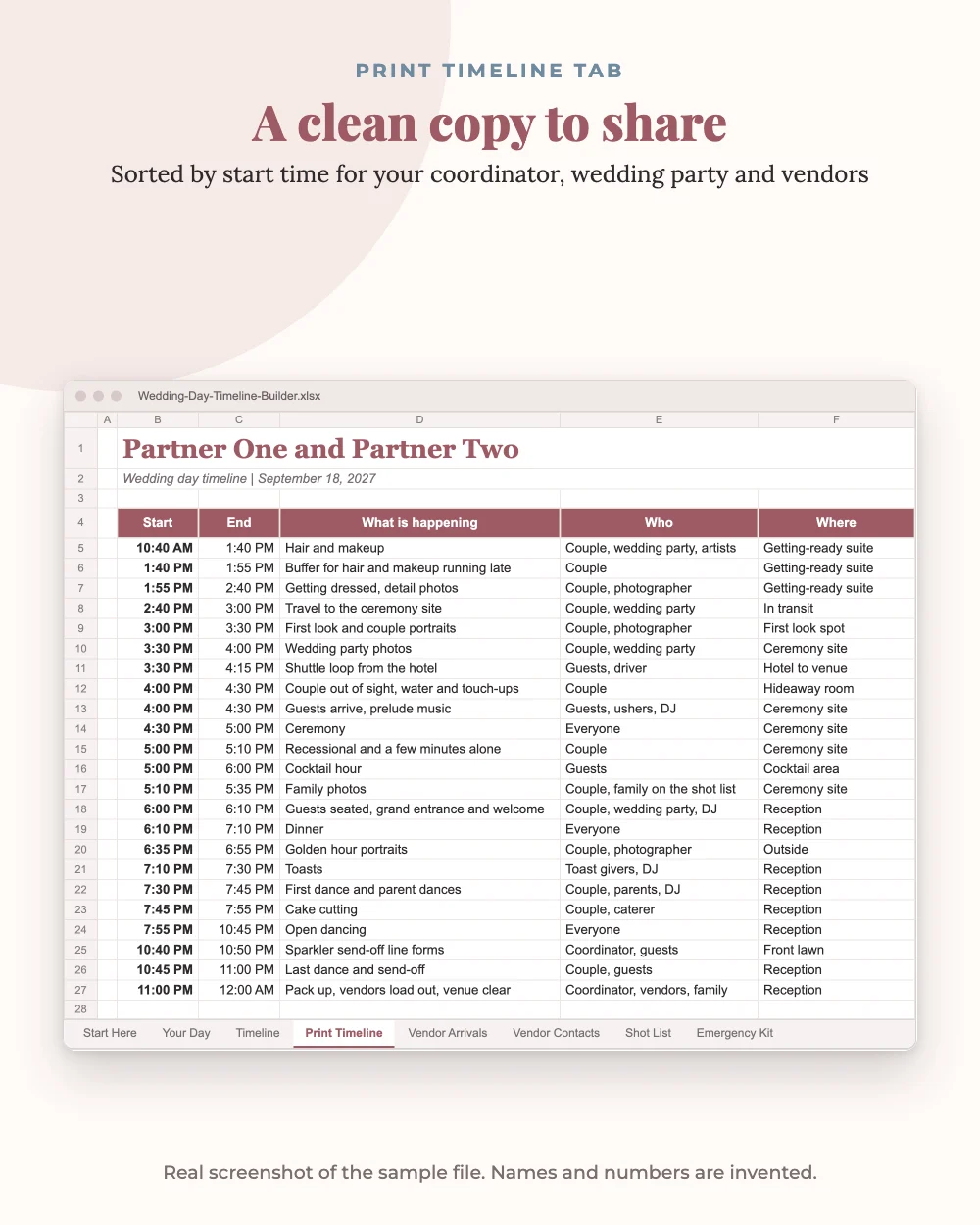
Add anything else, like a tea ceremony, a shuttle loop or a sparkler exit, under Your own events and it sorts into place. The Print Timeline tab is a clean copy of the day in time order, ready to print or save as a PDF for your coordinator, wedding party and vendors.
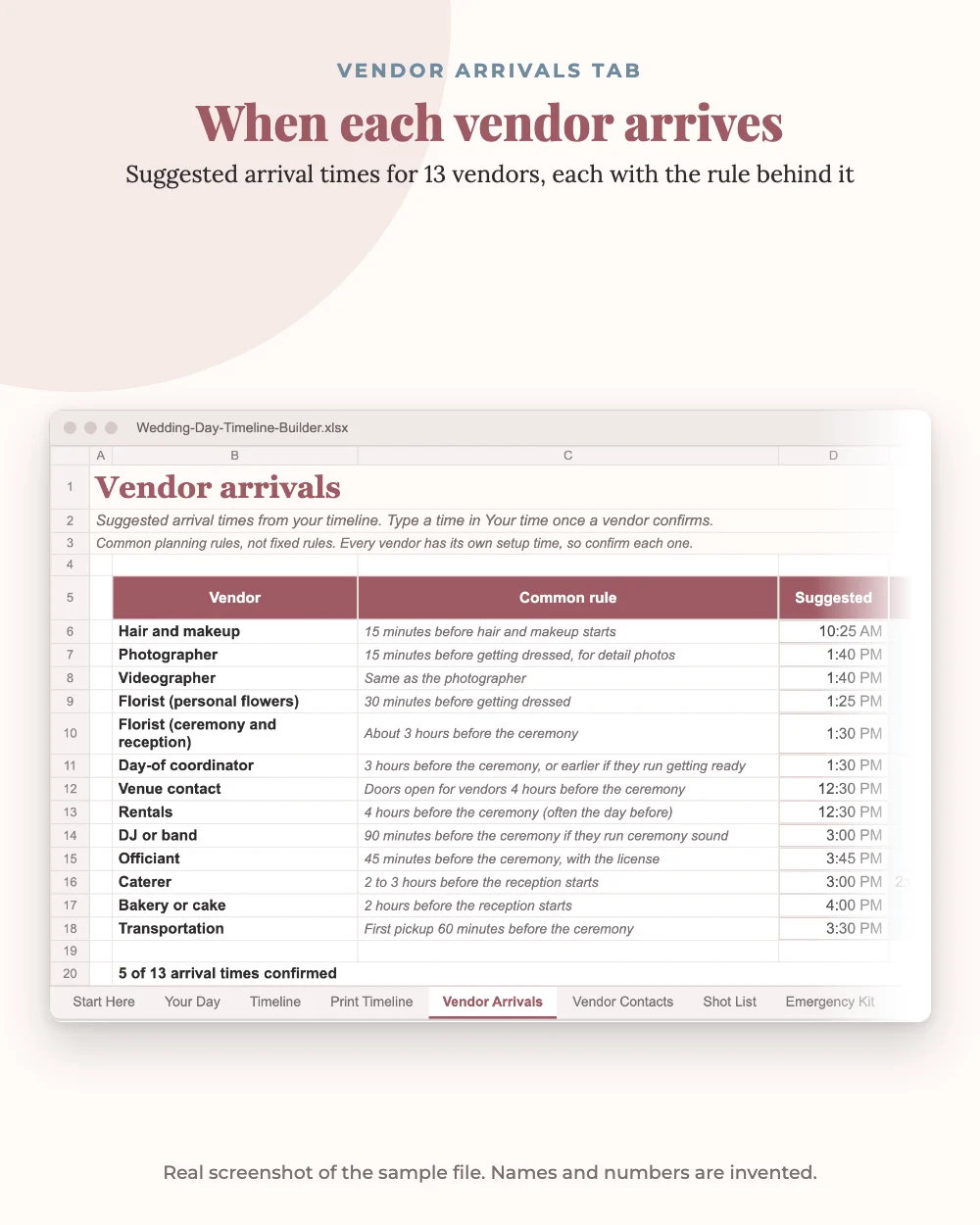
Vendor Arrivals suggests an arrival time for 13 vendors from your timeline, with a column for the time each vendor confirms. Vendor Contacts keeps every name and phone number on one sheet. The Shot List starts with 35 shots and sets how long family photos take from the groups you mark, and the Emergency Kit checklist has 36 items with who carries them.
Who it's for
US couples planning their own wedding day without a full-service planner, and the friend or day-of coordinator helping them. It suits ceremonies at any time of day, with or without a first look.
What you get
The blank builder (.xlsx), a sample copy filled with an invented 4:30 PM wedding so you can see every tab working, and a 9-page guide in US Letter, A4 and low-ink. The guide covers setup and how the timing works, and has printable pages for the day: a blank timeline, a vendor contact sheet, the photo shot list and an emergency kit checklist. Works in Excel 2016 or newer, Excel for the web and Google Sheets. Apple Numbers is not supported.
Durations and vendor arrival rules are common planning numbers, not rules from any one source. Confirm each one with your own vendors and type their numbers in.
What's inside
- Builds the whole day from your ceremony time: backward for getting ready and photos, forward for the reception
- First look or no first look: photos move before or after the ceremony with one choice
- Hair and makeup time worked out from people, artists and minutes per person
- Family photo time set by the groups you mark on the shot list
- Golden hour portraits from your sunset time, with a check for which reception moment they land in
- Four automatic checks: photos past cocktail hour, golden hour, early hair and makeup, open dancing time
- Print Timeline tab sorted by start time, plus up to 10 events of your own
- Vendor arrival times for 13 vendors, a vendor contact sheet, a 35-shot photo list and a 36-item emergency kit
- Sample file with invented data, plus a 9-page guide with printables in Letter, A4 and low-ink
Safety first: Prices are examples with an as-of date. Always confirm with your own vendors. Please read our editorial guidelines.
Frequently asked questions
Does it work in Google Sheets?
Yes. Upload the .xlsx to Google Drive, open it, then click File and Save as Google Sheets. Everything recalculates the same way. It also works in Excel 2016 or newer and Excel for the web. Apple Numbers is not supported.
We are not doing a first look. Does it still work?
Yes. Choose No and wedding party photos and couple portraits move to after the ceremony. A check tells you if photos then run past cocktail hour.
Can we add our own events?
Yes. Add up to 10 events with a start time and length, like a tea ceremony, a shuttle loop or a sparkler exit. They sort into place on the printable timeline.
Where do the durations come from?
They are common planning numbers, not rules from any one source. Every one is a blue cell you can change, and we suggest confirming each with your vendors.
Is the sample a real wedding?
No. The names, vendors, phone numbers and times are invented to show how the builder works.
Is this a physical product?
No. It's a digital download. Nothing is shipped.
How do I get my files?
Right after payment the download opens on the order page, and our checkout partner Dodo Payments emails you a copy. If you can't find it, check spam or promotions, or write to [email protected].
Can I get a refund?
Digital files can't be returned, so sales are final. If a file is defective, incomplete or not as described, email [email protected] within 14 days and we'll replace it or refund you.
More from Petal & Plan
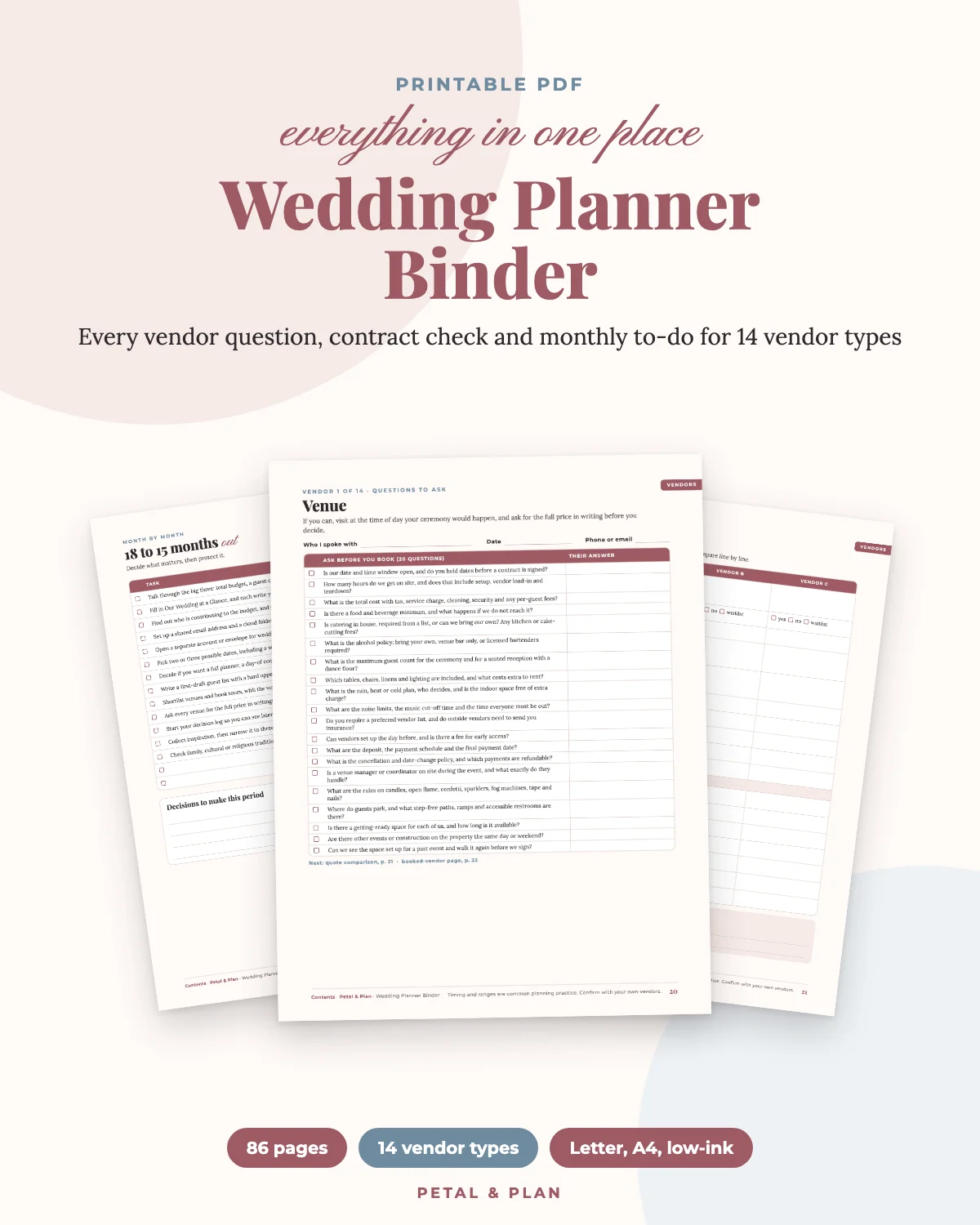
- $22.00 Wedding Planner Binder: Every Vendor Question, Contract Check and Monthly To-Do in One Place Get it · $22.00
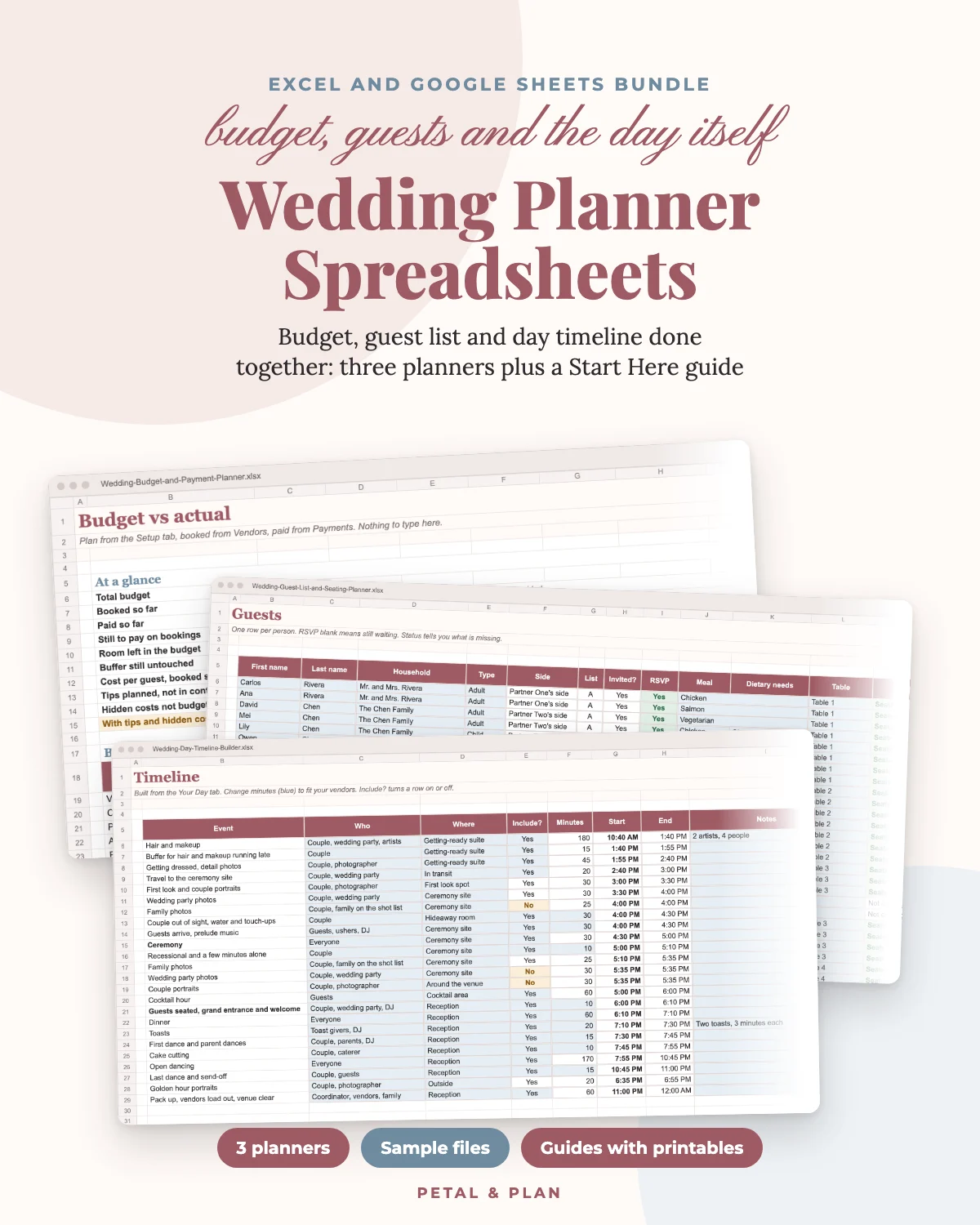
- $33.00 Wedding Planner Spreadsheets: Budget, Guest List and Day Timeline Done Together Get it · $33.00
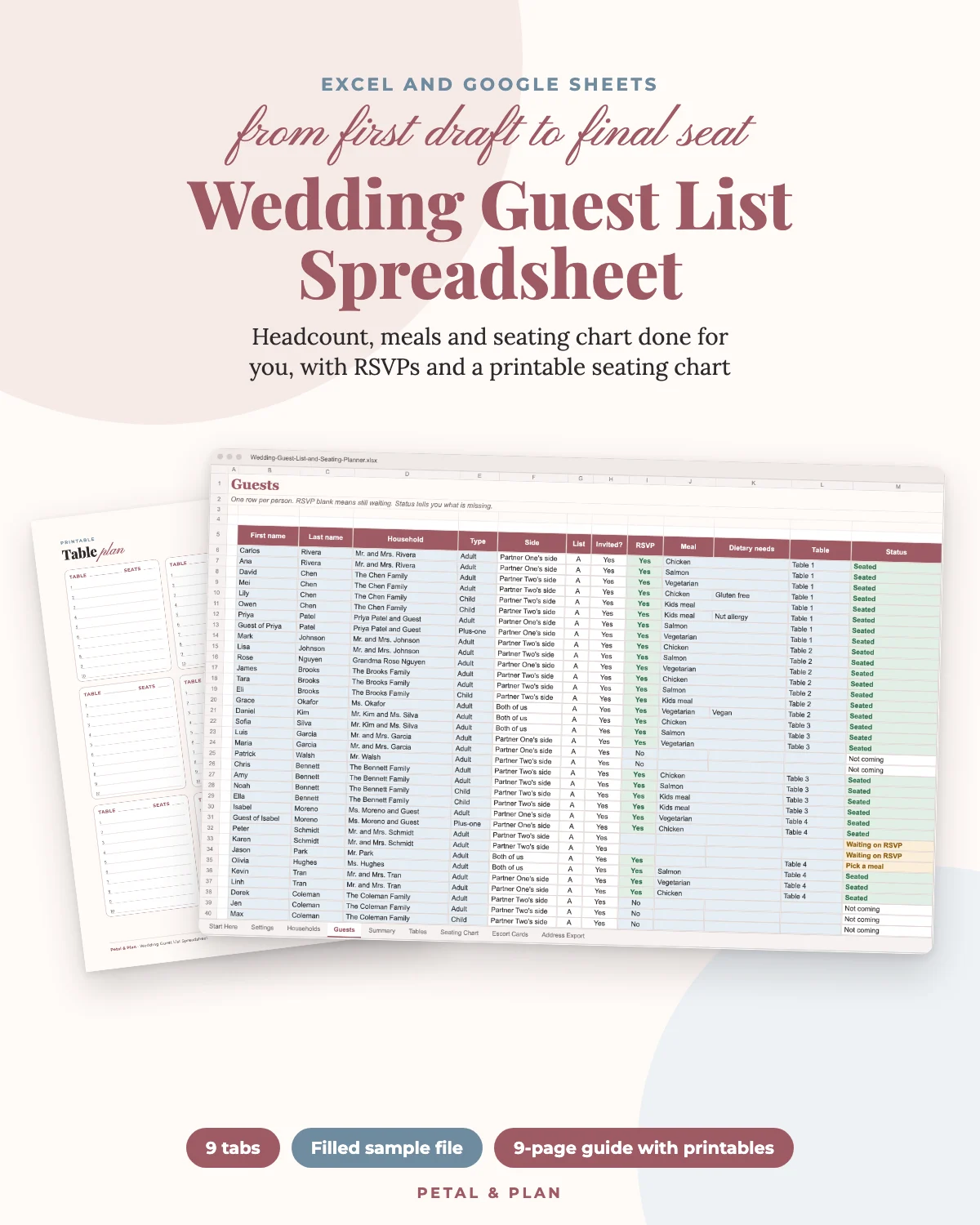
- $19.00 Wedding Guest List Spreadsheet: Headcount, Meals and Seating Chart Done for You Get it · $19.00
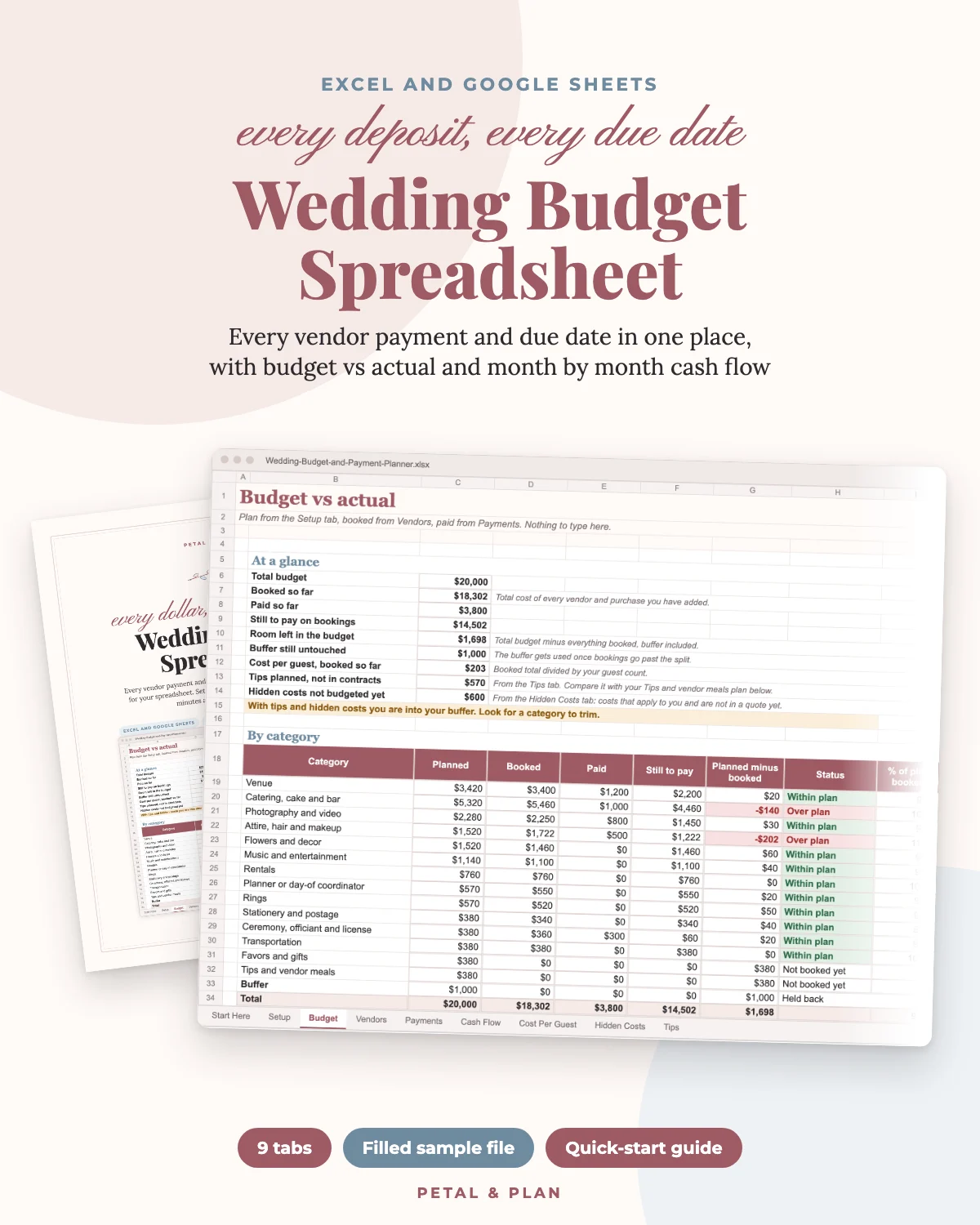
- $19.00 Wedding Budget Spreadsheet: Every Vendor Payment and Due Date in One Place Get it · $19.00