$19.00
Wedding Budget Spreadsheet: Every Vendor Payment and Due Date in One Place
See what is paid, what is due and what is left, without digging through vendor emails
- Instant download
Secure checkout by Dodo Payments. Instant PDF download after purchase.
Most wedding budgets don't break on one big decision. They break in the gap between a quote and a contract: the service charge on catering, tax on rentals, a vendor meal nobody mentioned, and three deposits that all land in the same month. This planner keeps all of that in one place.
Start on the Setup tab with your total budget, guest count and wedding date. The planner holds back a buffer and splits the rest across 14 categories, and you can move any percentage to fit your priorities.
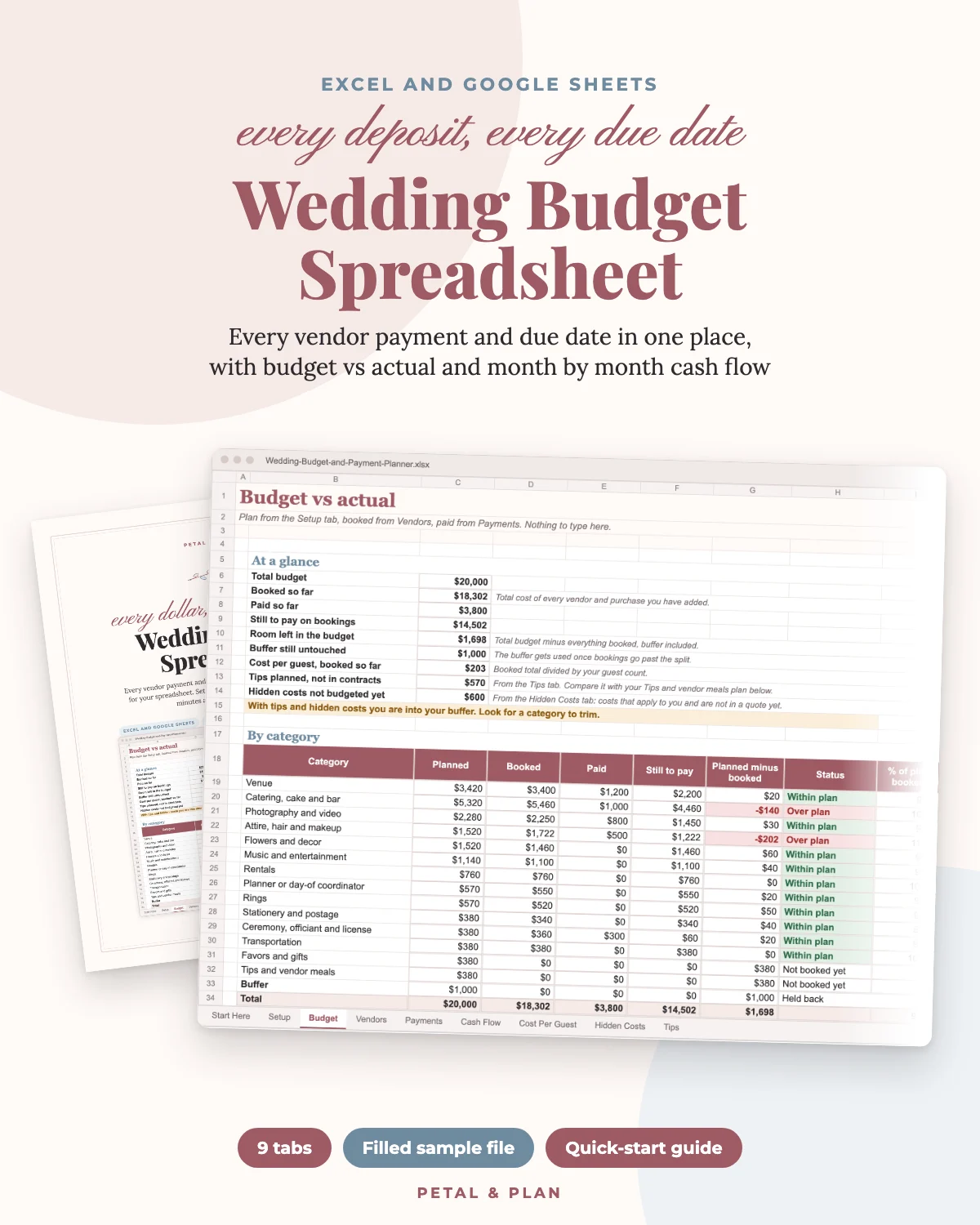
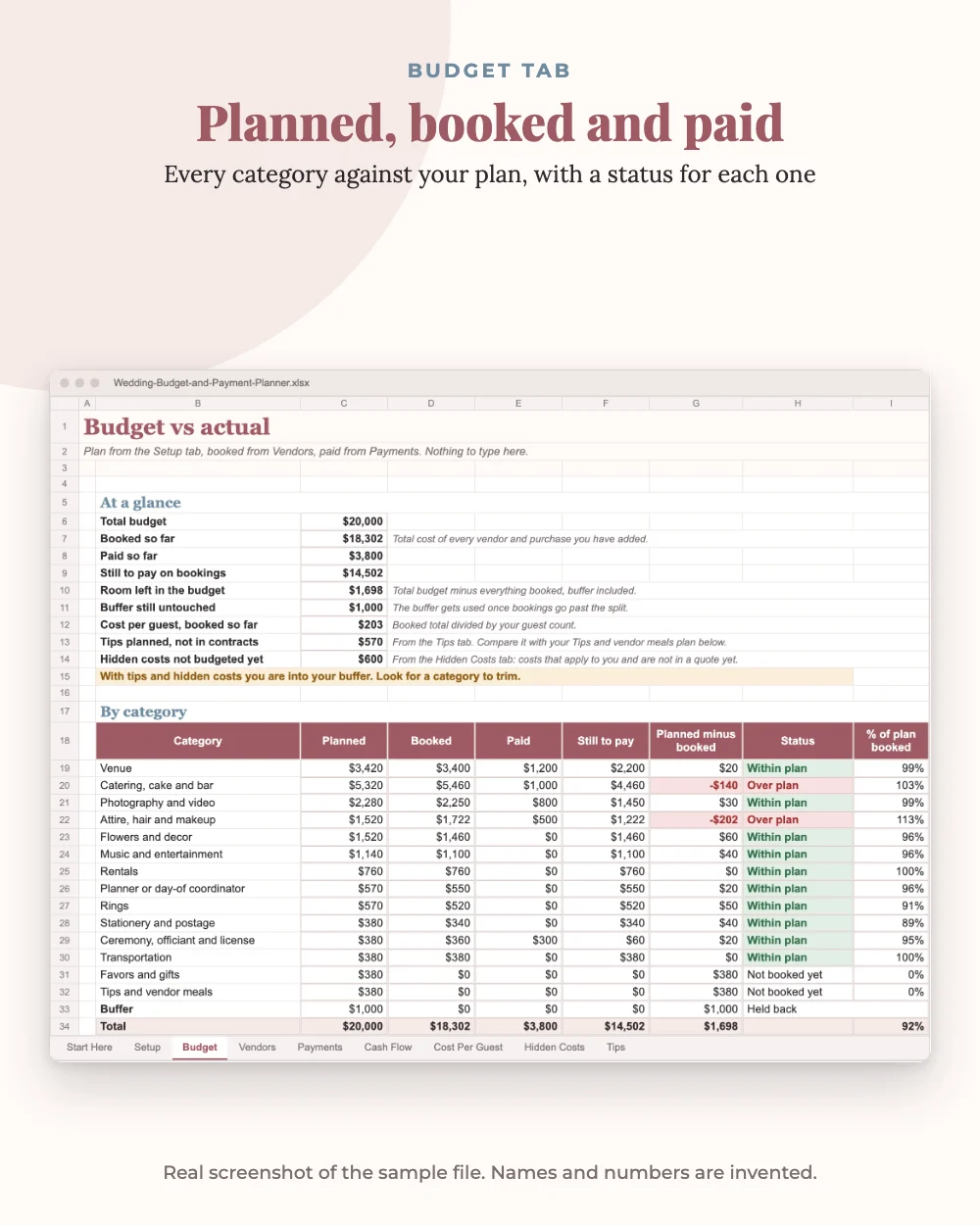
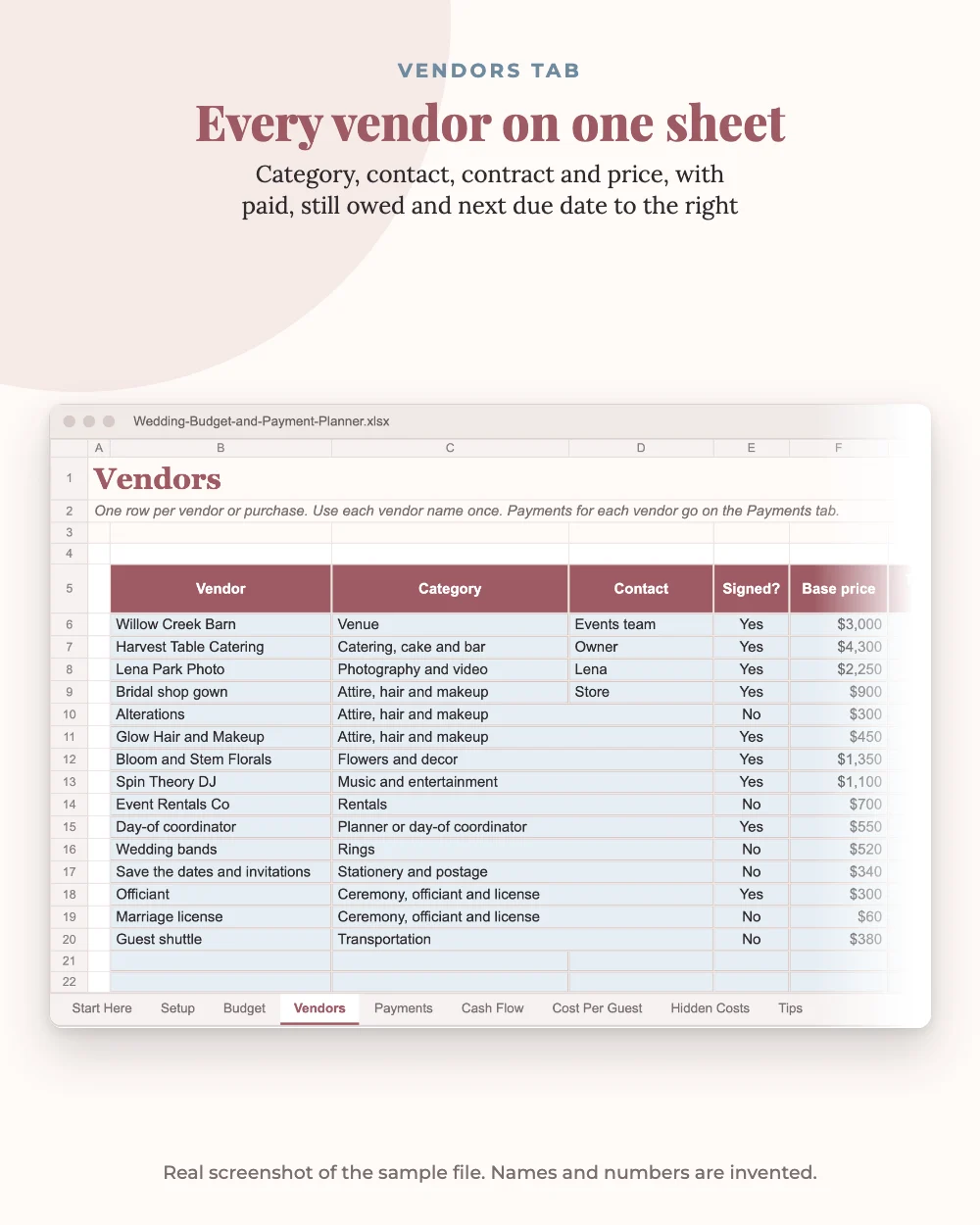
As you book, add each vendor with its base price and its tax, fees and service charge. Then add every deposit and payment from the contract with its due date. From there it does the math. The Budget tab shows planned, booked, paid and still to pay for every category, flags anything over plan in red, and tells you in one line whether you are inside your budget. The Vendors tab shows the next due date and amount for each vendor, and warns you when a vendor still needs payments scheduled or has one overdue.
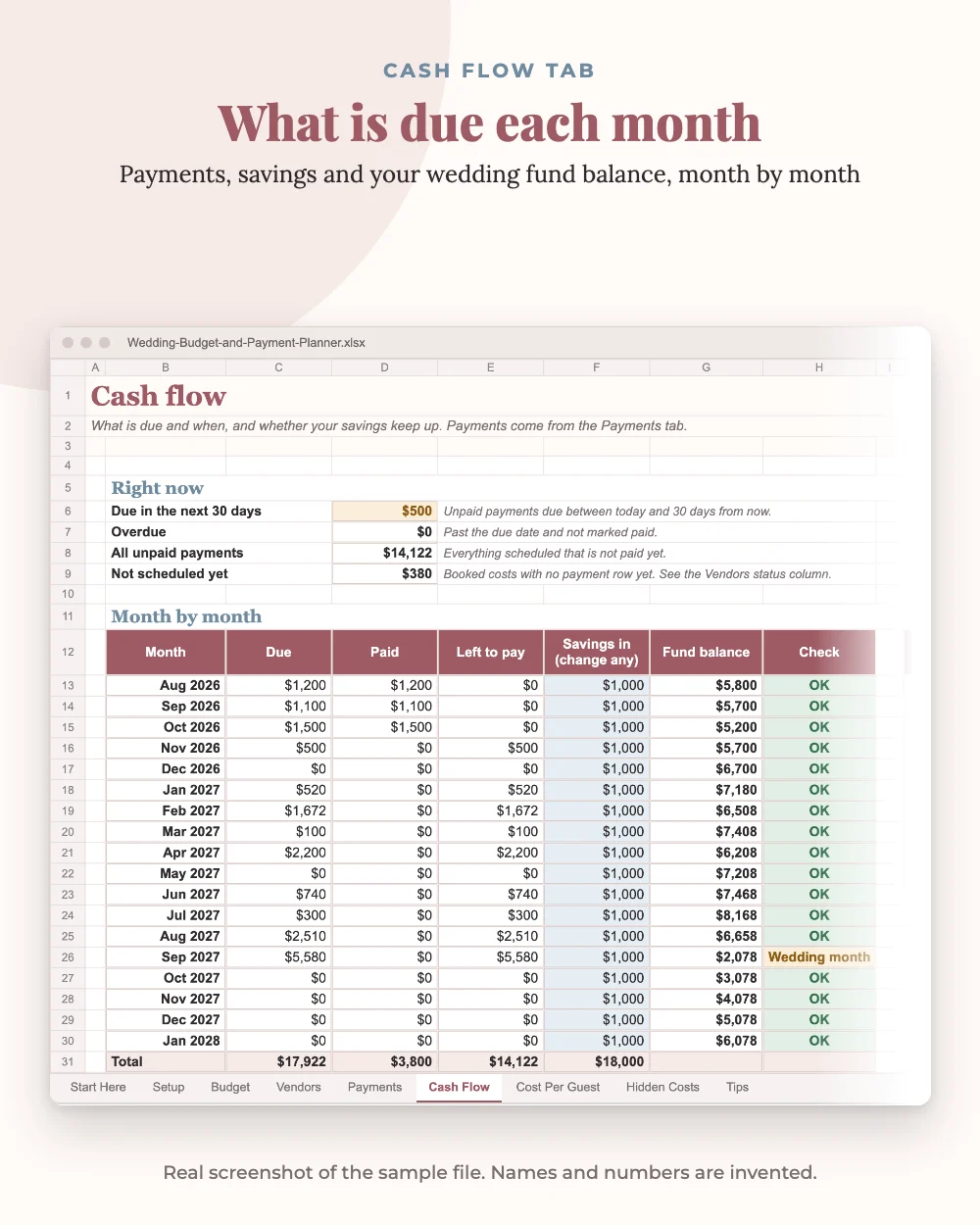
The Cash Flow tab answers the question couples ask most: how much has to leave our account, and when? It lists what is due in the next 30 days, anything overdue and the next ten payments, then runs 18 months of fund balance from your savings so you can see a short month coming.
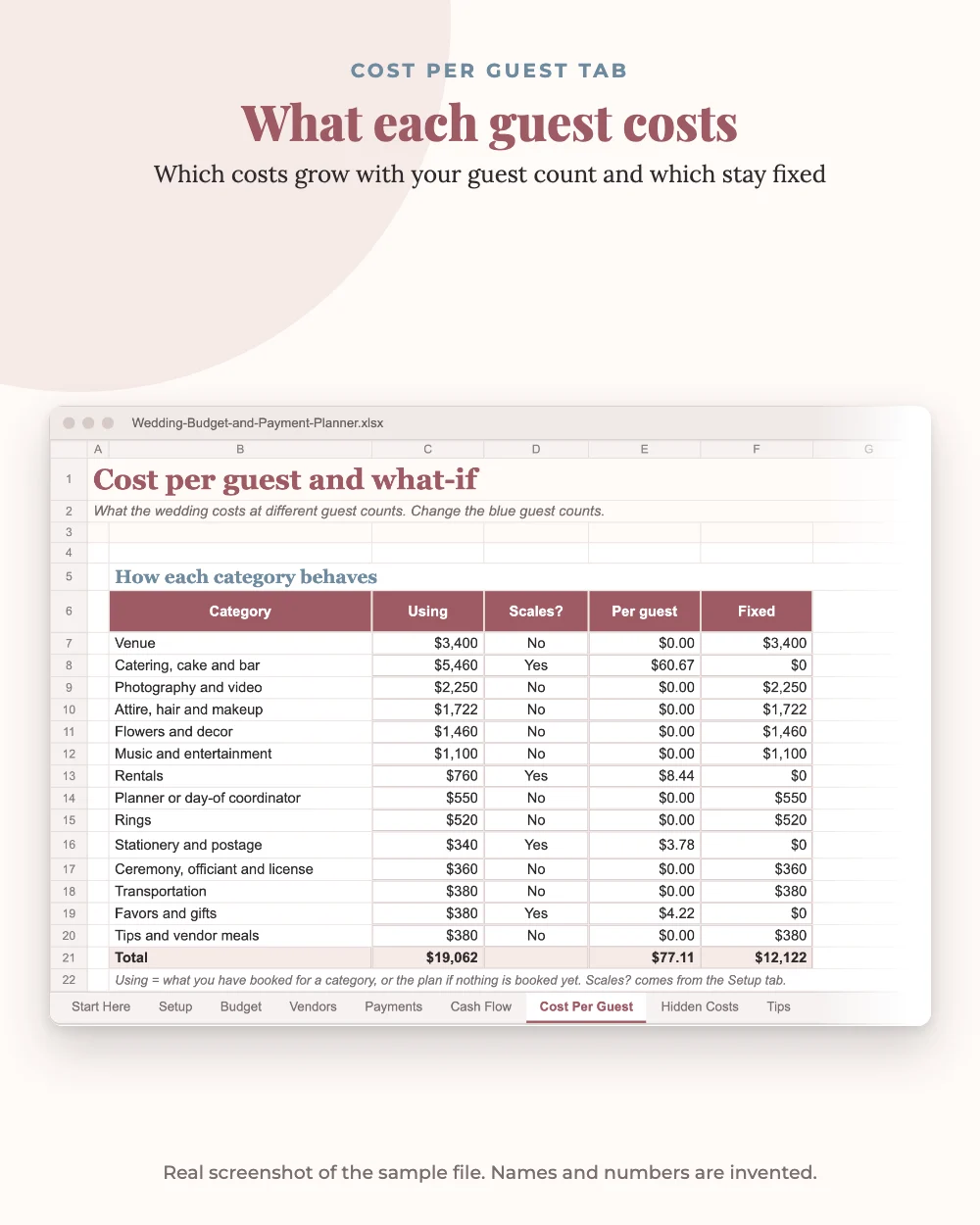
Cost Per Guest shows which costs grow with your guest list and what the wedding costs at five different guest counts, so "what if we cut 20 guests?" takes ten seconds. Hidden Costs is a checklist of 18 costs that often surprise couples, and Tips plans every tip, who hands it over and whether the envelope is ready.
Who it's for
US couples planning a wedding on a real budget, roughly $10,000 to $35,000, who want one place for every vendor and payment. It also works for a parent or planner helping with the money.
What you get
The blank planner (.xlsx), a sample copy filled with invented vendors and prices so you can see every tab working, and a 6-page quick-start PDF in US Letter, A4 and low-ink. Works in Excel 2016 or newer, Excel for the web and Google Sheets. Apple Numbers is not supported.
Typical ranges on the Hidden Costs and Tips tabs are common guidance as of October 2026, with The Knot named as the source where one exists. A planning tool, not financial advice.
What's inside
- Setup tab: total budget, guests, buffer and wedding date, with a 14-category split you can adjust
- Budget vs actual by category: planned, booked, paid, still to pay, with over plan flagged in red
- Vendor tracker: base price plus tax, fees and service charge, paid, still owed, next due date and status
- Payment schedule for up to 120 deposits and payments, each marked Paid, Overdue, Due in 30 days or Upcoming
- Month by month cash flow for 18 months, with your savings, the fund balance and a chart
- Next ten payments, due in the next 30 days and overdue totals at a glance
- Cost per guest and a what-if for five guest counts
- Hidden costs checklist (18 items) and a tips planner with common guidance and sources
- Sample file with invented data, plus a 6-page quick-start PDF in Letter, A4 and low-ink
Safety first: Prices are examples with an as-of date. Always confirm with your own vendors. Please read our editorial guidelines.
Frequently asked questions
Does it work in Google Sheets?
Yes. Upload the .xlsx to Google Drive, open it, then click File and Save as Google Sheets. Everything recalculates the same way. It also works in Excel 2016 or newer and Excel for the web. Apple Numbers is not supported.
Is the sample data real?
No. The sample file uses invented vendors and prices to show how every tab works. Use the blank file for your wedding.
Does it include a printable?
The quick-start PDF includes a printable Payments Due page. The spreadsheet tabs are also set up to print.
What if we have more than 40 vendors?
Most weddings use 15 to 25 vendors. You can insert rows in the middle of the list and copy a row into them to keep the formulas.
Is this financial advice?
No. It is a planning tool. Tip and hidden cost ranges are common guidance as of October 2026, with sources named where one exists. Your own contracts come first.
Is this a physical product?
No. It's a digital download. Nothing is shipped.
How do I get my files?
Right after payment the download opens on the order page, and our checkout partner Dodo Payments emails you a copy. If you can't find it, check spam or promotions, or write to [email protected].
Can I get a refund?
Digital files can't be returned, so sales are final. If a file is defective, incomplete or not as described, email [email protected] within 14 days and we'll replace it or refund you.
More from Petal & Plan
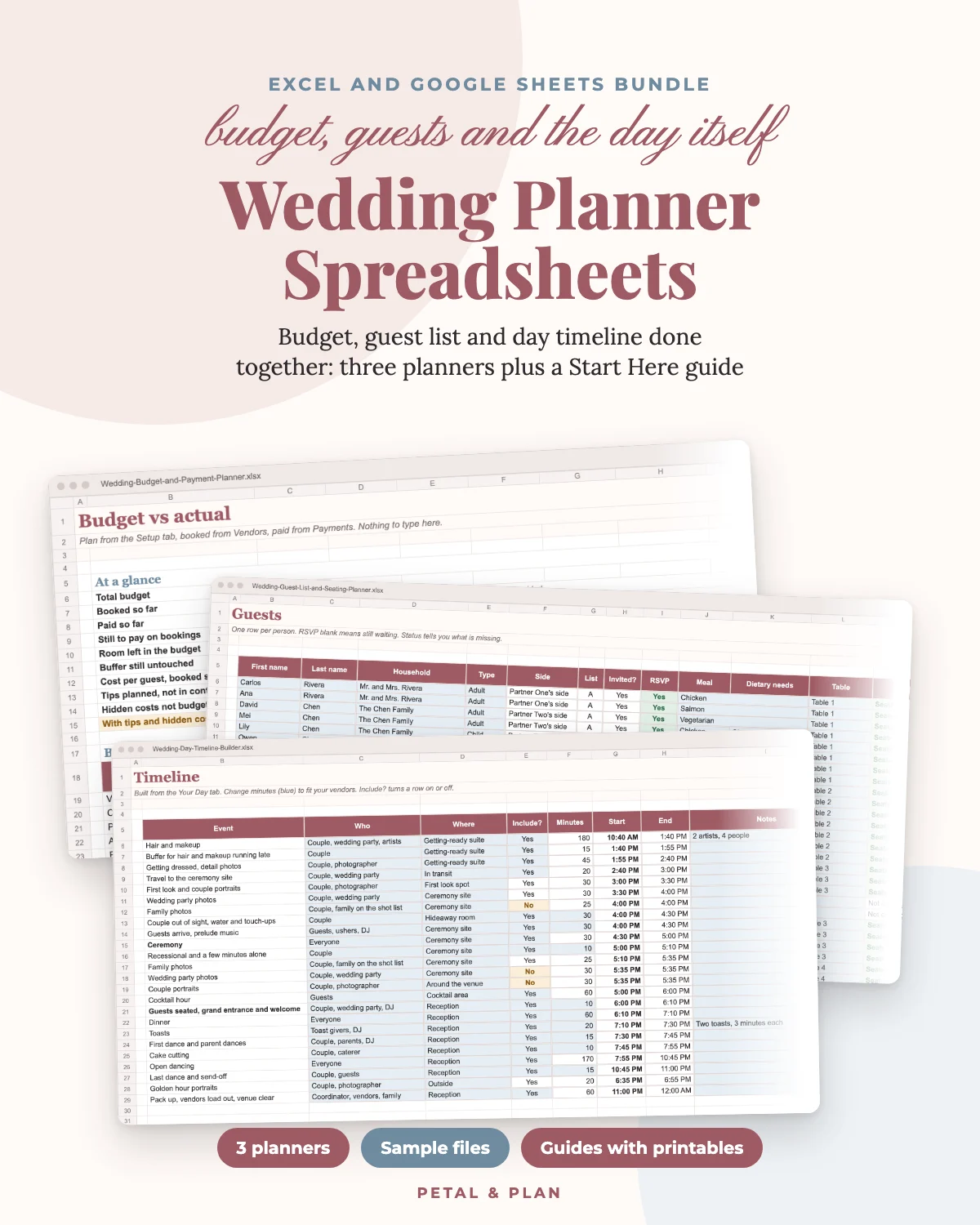
- $33.00 Wedding Planner Spreadsheets: Budget, Guest List and Day Timeline Done Together Get it · $33.00
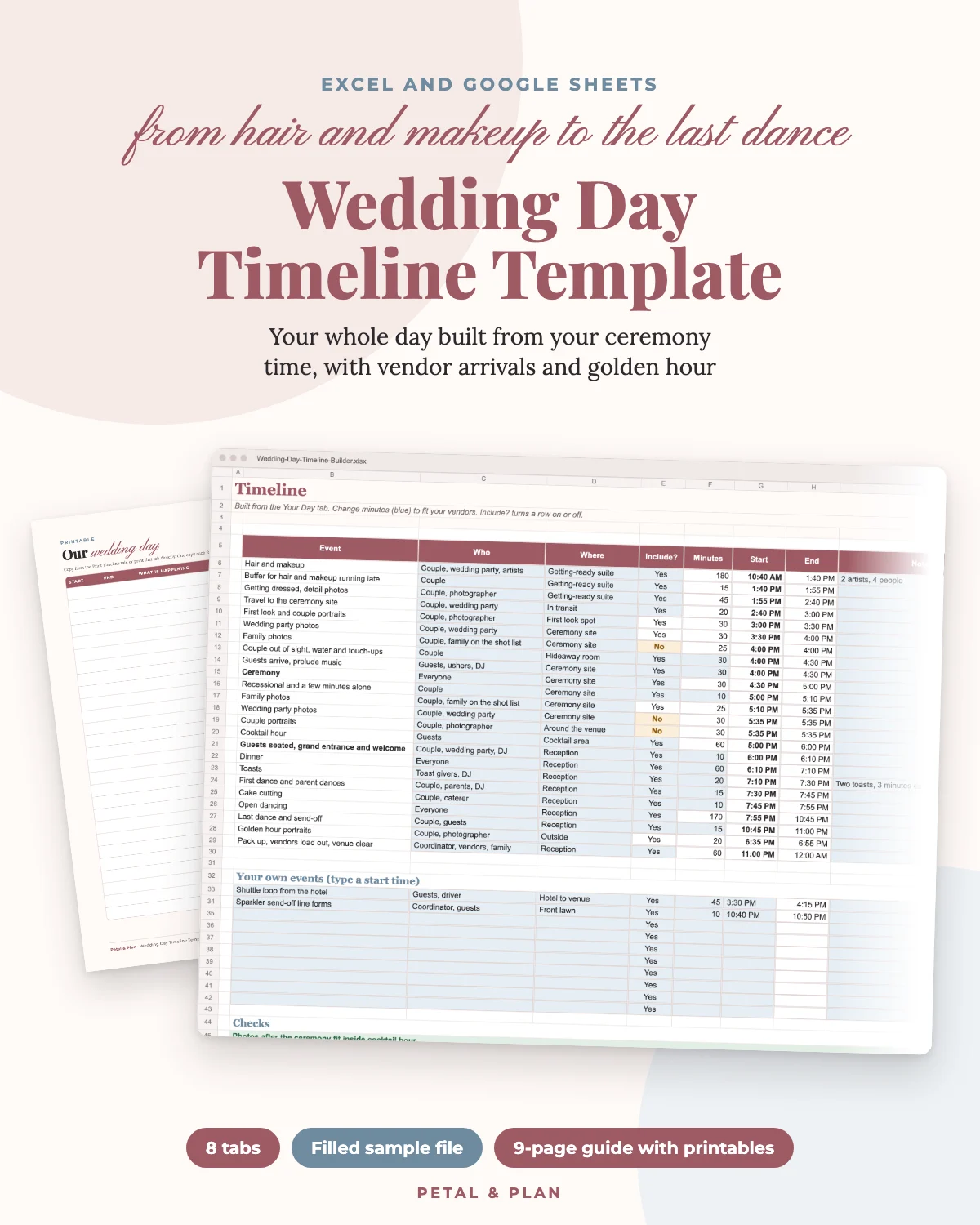
- $17.00 Wedding Day Timeline Template: Your Whole Day Built From Your Ceremony Time Get it · $17.00
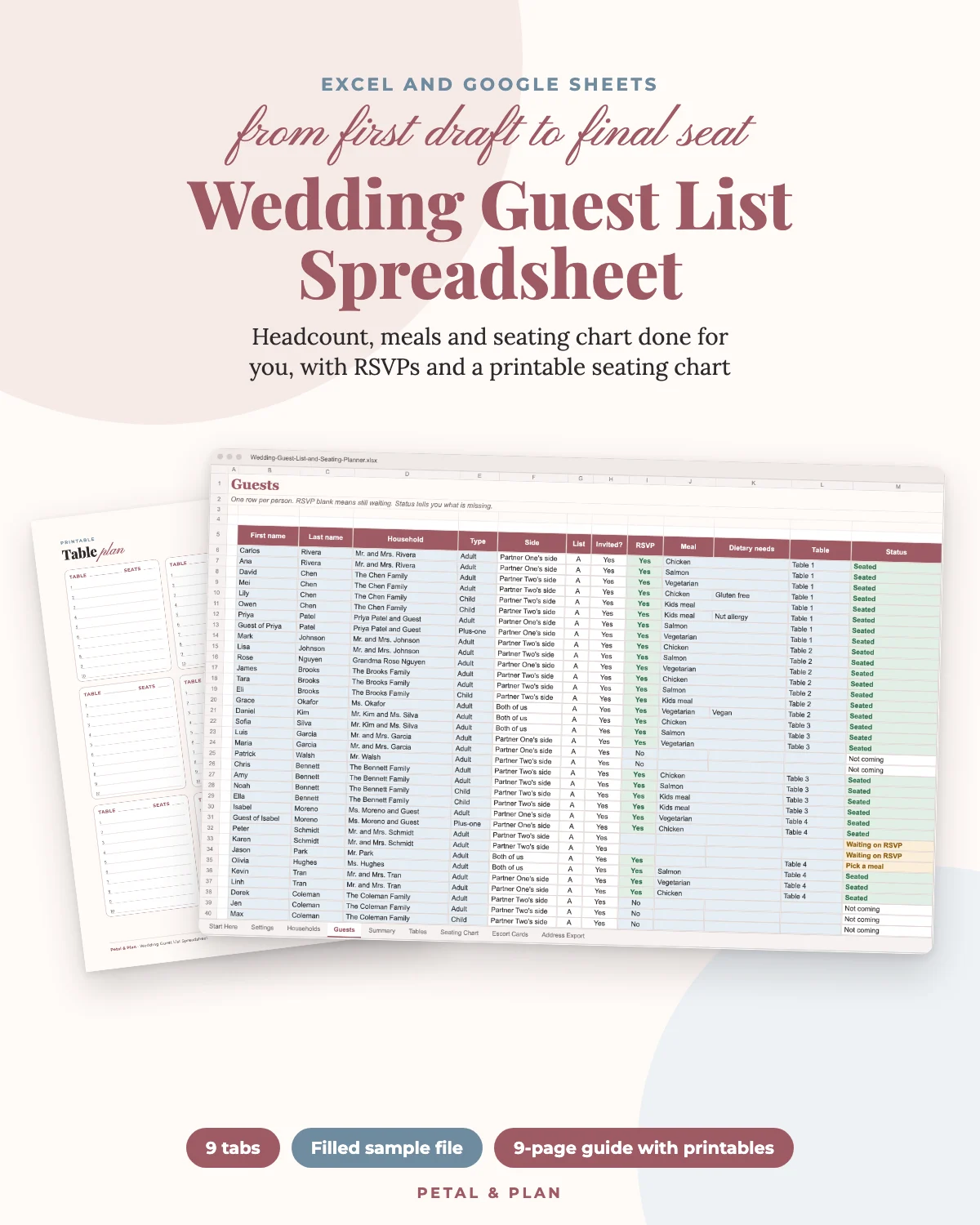
- $19.00 Wedding Guest List Spreadsheet: Headcount, Meals and Seating Chart Done for You Get it · $19.00
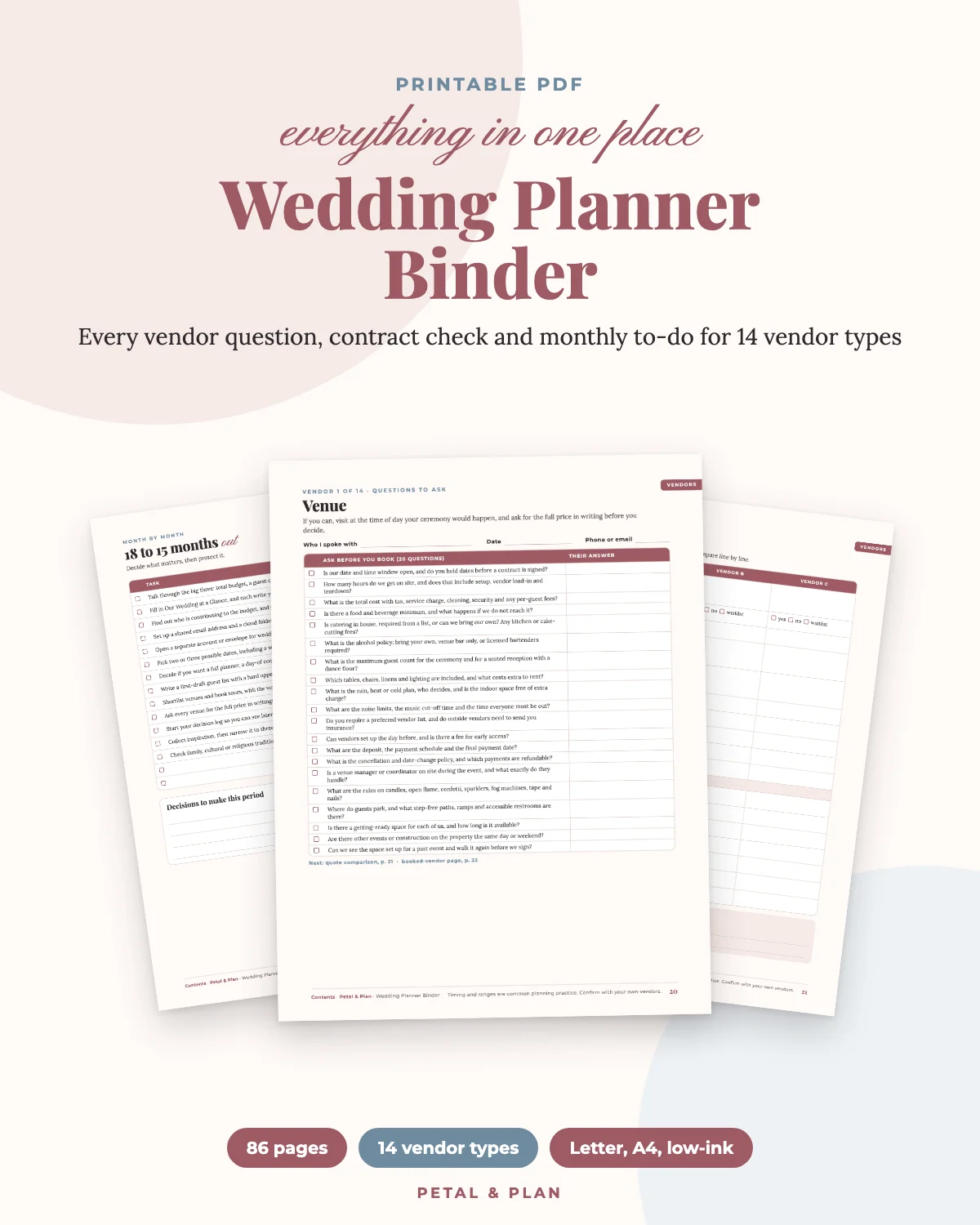
- $22.00 Wedding Planner Binder: Every Vendor Question, Contract Check and Monthly To-Do in One Place Get it · $22.00